
Tags offer you another way to show non-hierarchical relationships between nodes. They help you categorize ideas and provide additional context to your thoughts.
Create & edit Tags
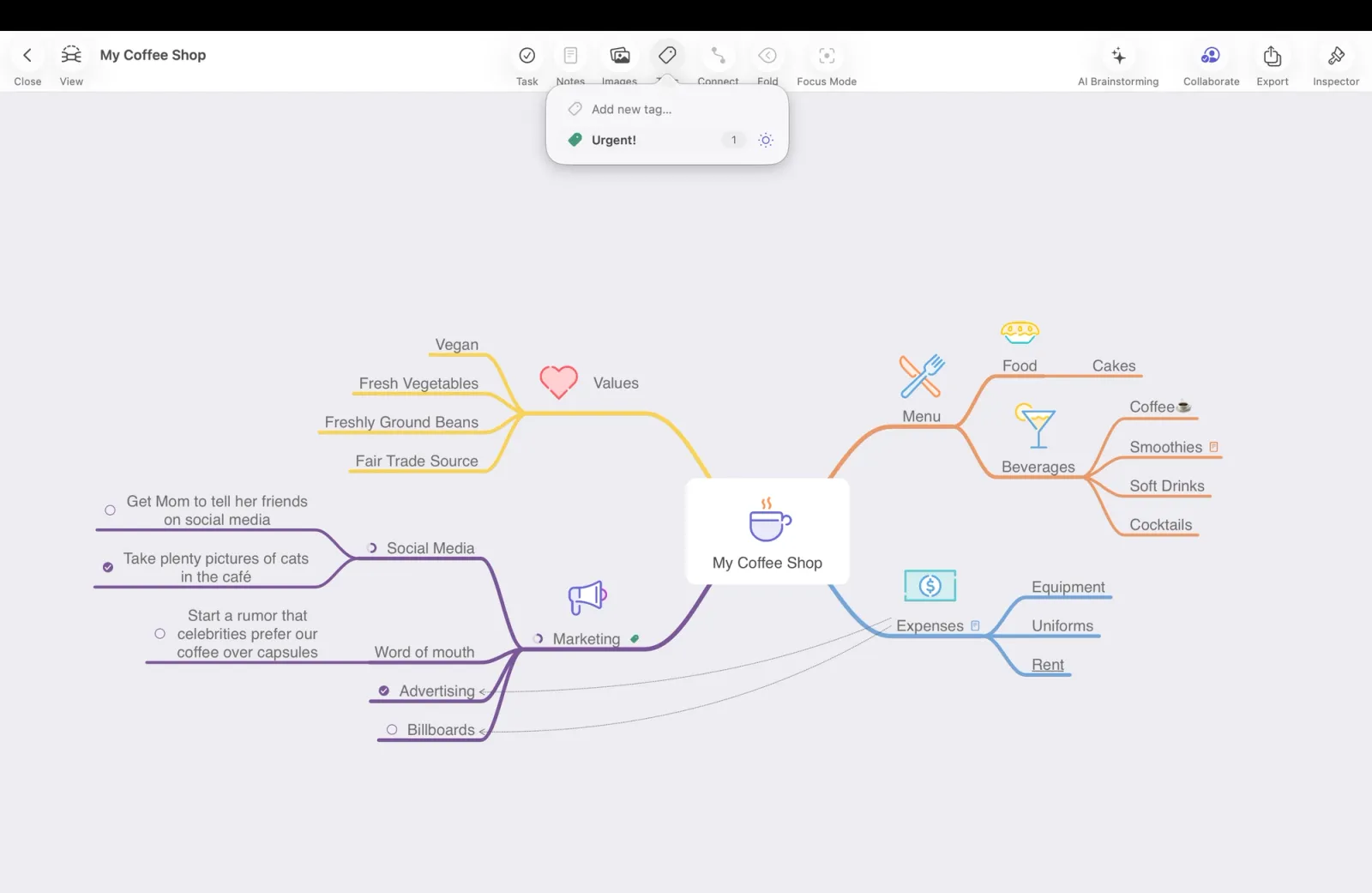
How to create a Tag
- Locate the Tag icon in the Action Toolbar and click/tap it.
- At the top of the pop-up, start typing the name of the Tag you want to create.
- Once you're done press enter to confirm.
How to edit a Tag
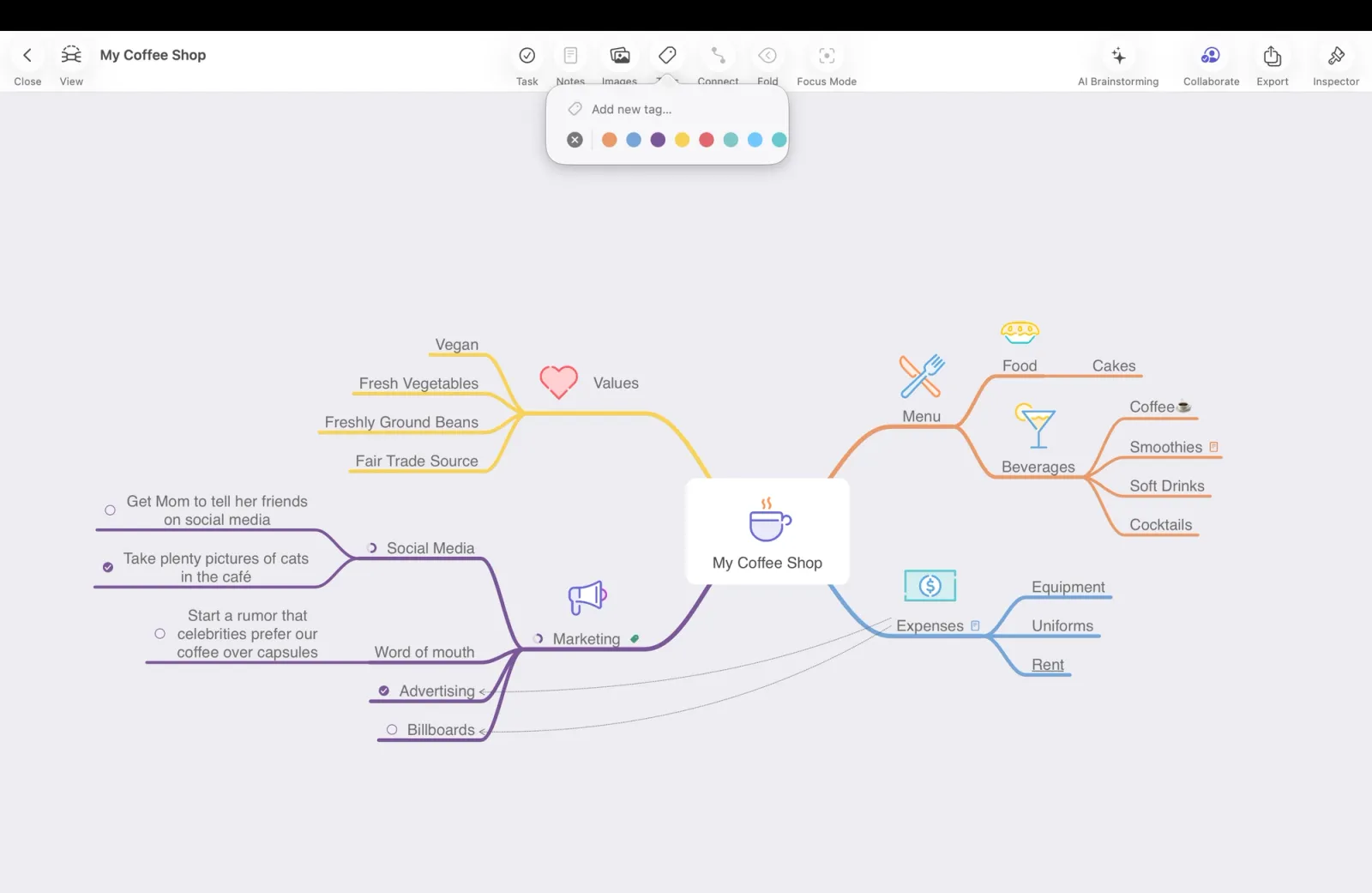
To change a tag’s color, tap or click the color swatch next to the tag’s name.
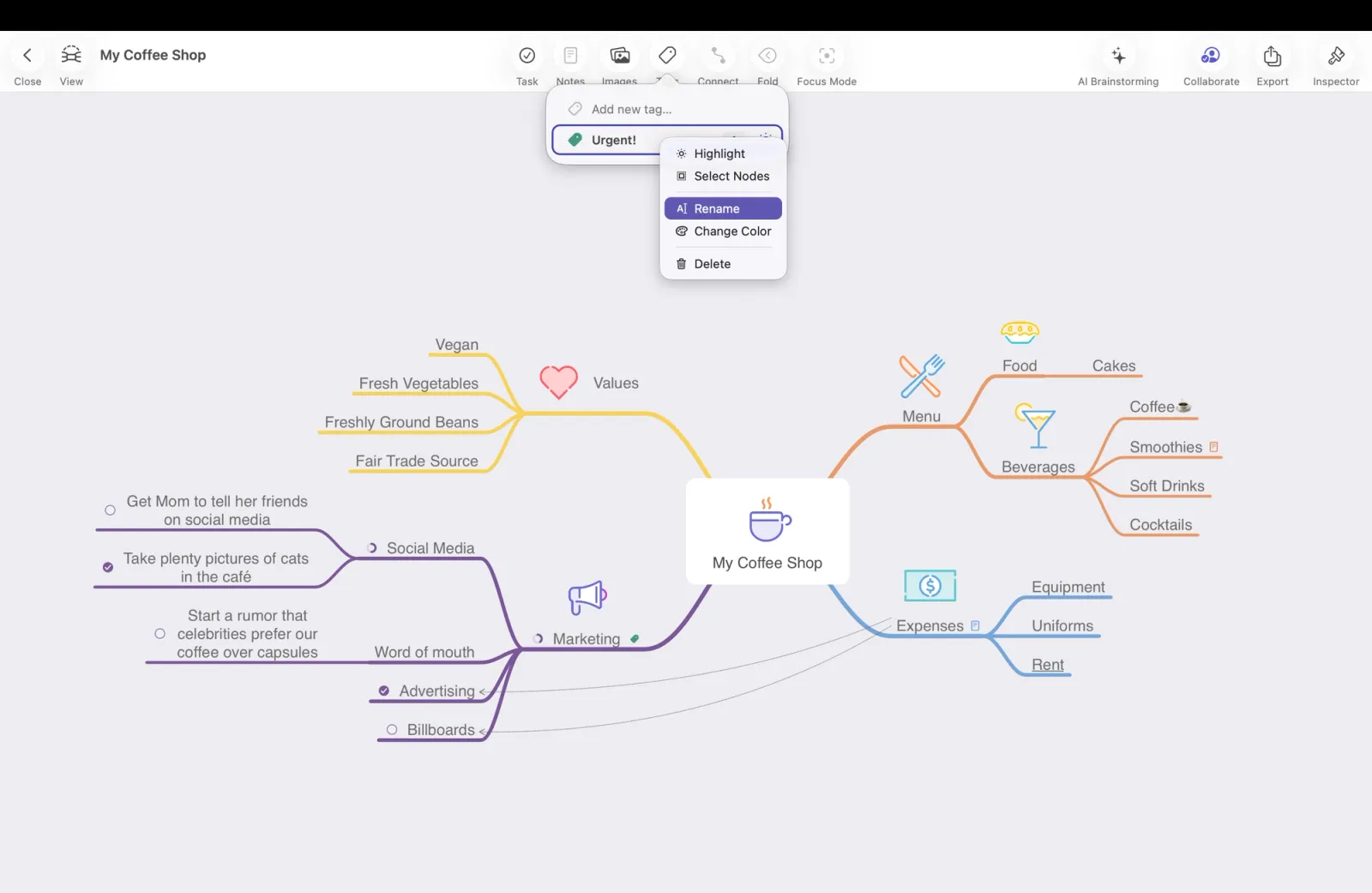
Edit a Tag’s name
On iOS: Tap and hold the tag to open the context menu, then select Rename.
On Mac: Right-click the tag to open the context menu, then select Rename.
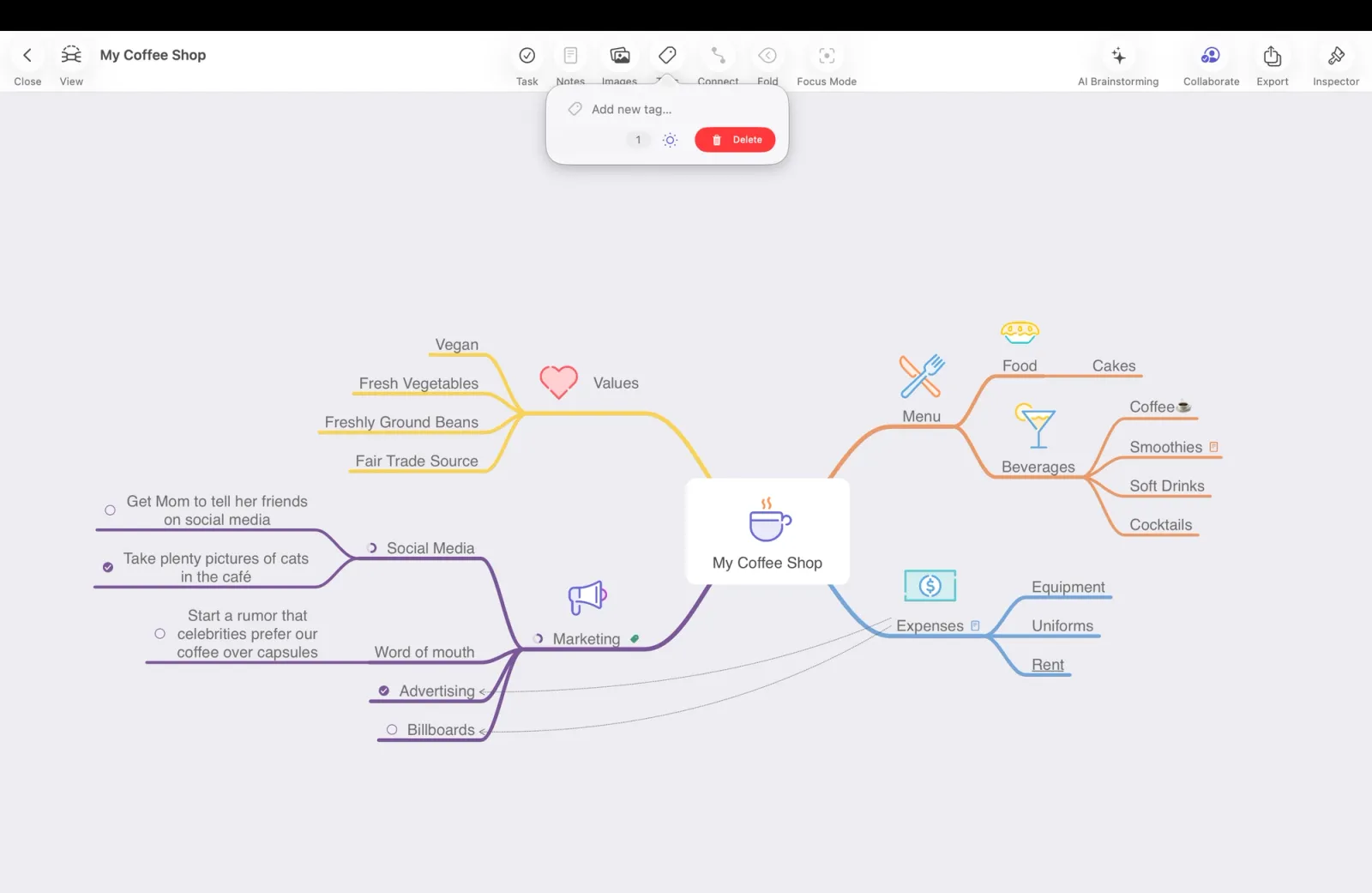
Delete a Tag
On iOS: Swipe left on the tag and tap Delete.
On Mac: Right-click the tag to open the context menu, then select Delete.
Reorder tags
Tap or click and hold a tag, then drag it up or down within the list.