MindNode Release Notes
Discover what's new in MindNode. Each release brings improvements, new features, and enhanced functionality to help you think better.
- October 21, 2026
iPhone Duo
MindNode is ready for iPhone Duo! Capture ideas on the compact screen, then unfold your device to give your thoughts more room to grow.
Side by Side
Explore your mind map and outline simultaneously on iPhone Duo, without switching between views.
Consistent Experience
Improves toolbars, inspectors, and editing controls for a more consistent experience across mind maps, outlines, and devices.
- October 5, 2026
Ukrainian Localization
MindNode is now fully localized in Ukrainian.
- September 14, 2026
Updated for iOS 27 and macOS 27
A refreshed app icon and many improvements across MindNode on iPhone, iPad, Apple Watch, Mac, and Vision Pro.
Search with Spotlight
Spotlight now understands your mind maps better, making it easier to find the right node and jump directly to it.
Ask Siri
Say "Hey Siri, create a note in MindNode with all my tasks for today," and Siri creates a new MindNode document right from your conversation. (Only in supported regions.)
- September 1, 2026
Printing
New advanced print options let you print each mind map on a separate page and choose what to include when printing as an outline.
Agent Integration
Connect AI assistants to MindNode using MCP to organize and update your documents.
Document History
Changes made by AI Brainstorming and MCP are now clearly marked in your document history, and you can remove older history when needed.
- July 6, 2026
Radial Layout
Arrange nodes in a circular layout around a central idea for a balanced 360° view.
New Node Shapes
Use circle or square nodes to better structure and distinguish your ideas.
Tapered Branches
Branches now narrow as they extend outward, giving mind maps a cleaner, more organic look.
LaTeX Equations
Add LaTeX equations to clearly express mathematical and technical ideas.
- May 27, 2026
Nested Folders
Folders can now live inside folders, so you can organize your documents in a deeper hierarchy.
Widgets
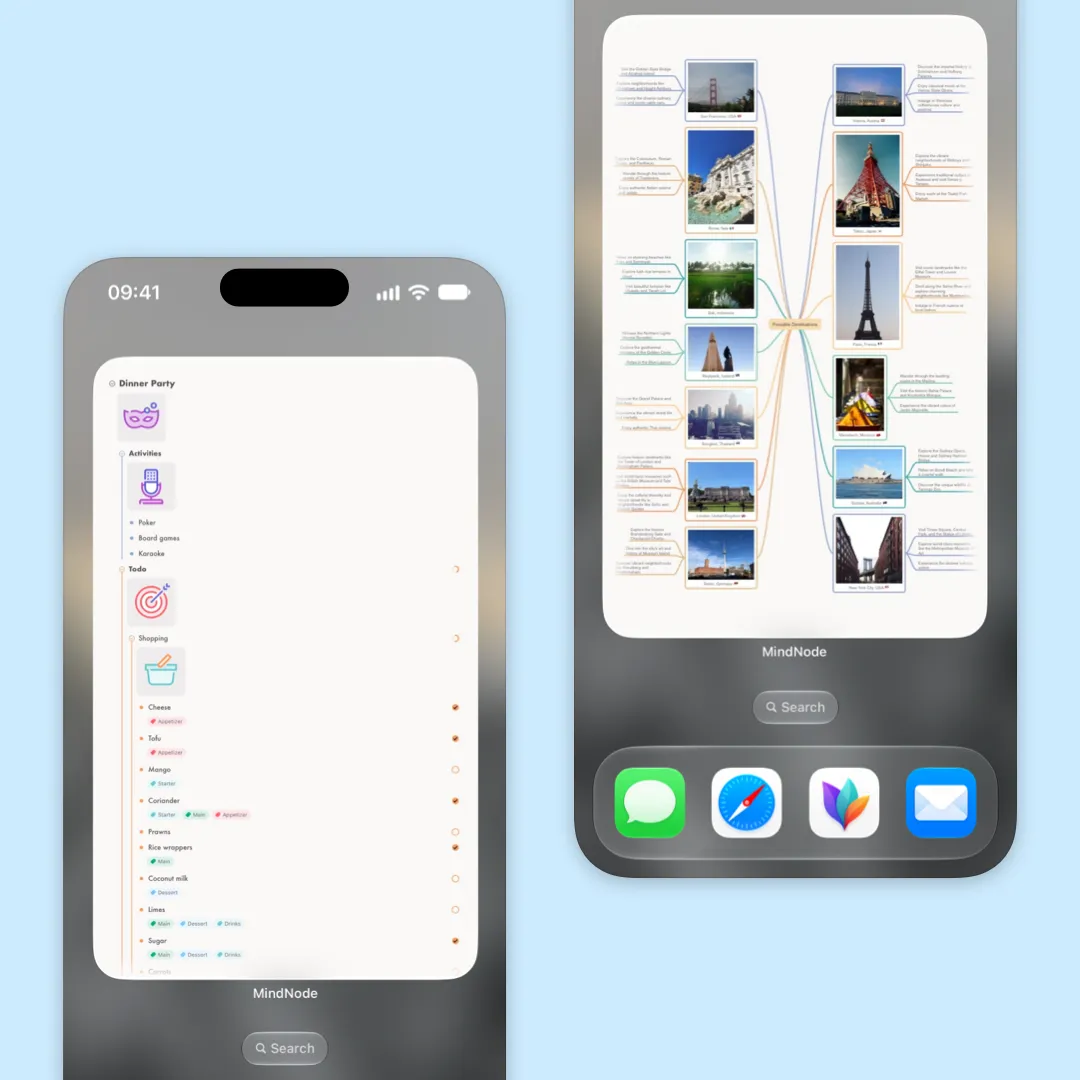
Your most-used maps, one tap away. Add a MindNode widget to your Home Screen (iOS), Desktop (Mac) or wall (Vision Pro) and jump straight into your thinking.
Marked App Integration
Brainstorm in MindNode and preview your documents in rich text using Marked app on Mac.
Document History & Outline
Document History is now available on iPhone, iPad, and Vision Pro. Outline view has also made its way to Vision Pro.
- March 30, 2026
Document History (Mac)
Go back to earlier versions of your documents and bring back previous ideas.
Document Linking
Create links to other documents directly from the link panel. Preview linked documents right on the canvas.
Highlight Tasks
Stay focused on what matters. Highlight tasks to make them easier to spot and review across your mind map.
Enhanced Notes
Enjoy improved text formatting in notes and an always-visible notes sidebar on macOS for easier editing.
- February 10, 2026
Apple Watch
View and edit your documents right from your wrist. Quickly toggle tasks on the go without reaching for your iPhone.
Folding Improvements
New actions and keyboard shortcuts for unfolding nodes, including e.g. "Show 3 Levels."
Search & Replace in Notes
Search within notes and replace text across your document.
- November 17, 2025
Improved Inspector
Easily size your nodes and images for perfect alignment. Make your Stickers stand out with custom tint colors.
MindNode Alias
Drag a document anywhere on your device to create an Alias. Quickly access your MindNode documents right from Finder or the Files app.
Things & OmniFocus Export
Export your tasks directly from the Task menu to Things or OmniFocus with just a click.
Theme Sync
Your created and imported Personal Themes now automatically stay in sync across all your devices.
- September 15, 2025
Liquid Glass
Fully embraces Apple's Liquid Glass design.
AI Brainstorming
Supercharge your brainstorming with private, on-device Apple Intelligence.
Generate Text
Turn documents into summaries or blog posts instantly with Apple Intelligence.
Image Background Removal
Remove backgrounds automatically so your subject always stands out.
- July 7, 2025
Personal Themes
Create a new static or dynamic theme that fits your style. Or download new themes from our website.
Sync with Reminders
Send your tasks to Apple Reminders and automatically keep them in sync.
Image and Text Resizing
Make your images large or small and increase the width of text independent of the size your image.
- May 12, 2025
Dynamic Themes
Themes now automatically adjust to match your device's light or dark mode.
Flexible Layout
Enjoy more control with improved automatic layouts — manually reposition individual nodes as needed.
Folders
Easily organize your documents into folders for better structure and quick access.

Get MindNode
Download MindNode now and start exploring your ideas in a whole new way.