
Whether you’re working on a big project with colleagues, planning a family event, or brainstorming gift ideas with your friends, our Live Collaboration is the perfect tool.
All participants can edit the document simultaneously, just like with any shared document in MindNode. But when Live Collaboration is enabled, everyone can see each other’s changes in real time - including where others are currently working in the document.
How to enable Live Collaboration
- Open the Settings in MindNode
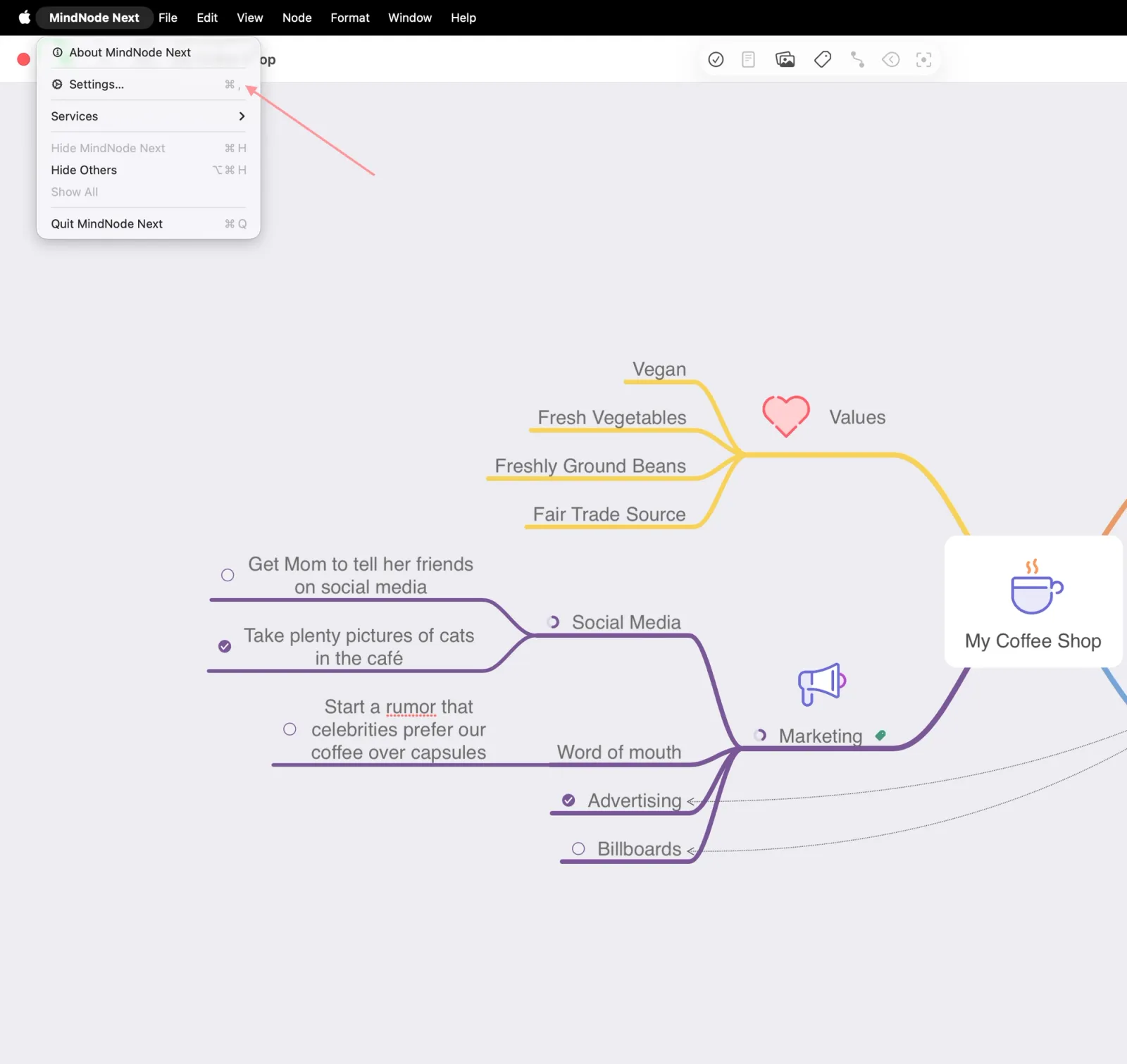
2. Go to the Sync tab > Toggle on Live Collaboration
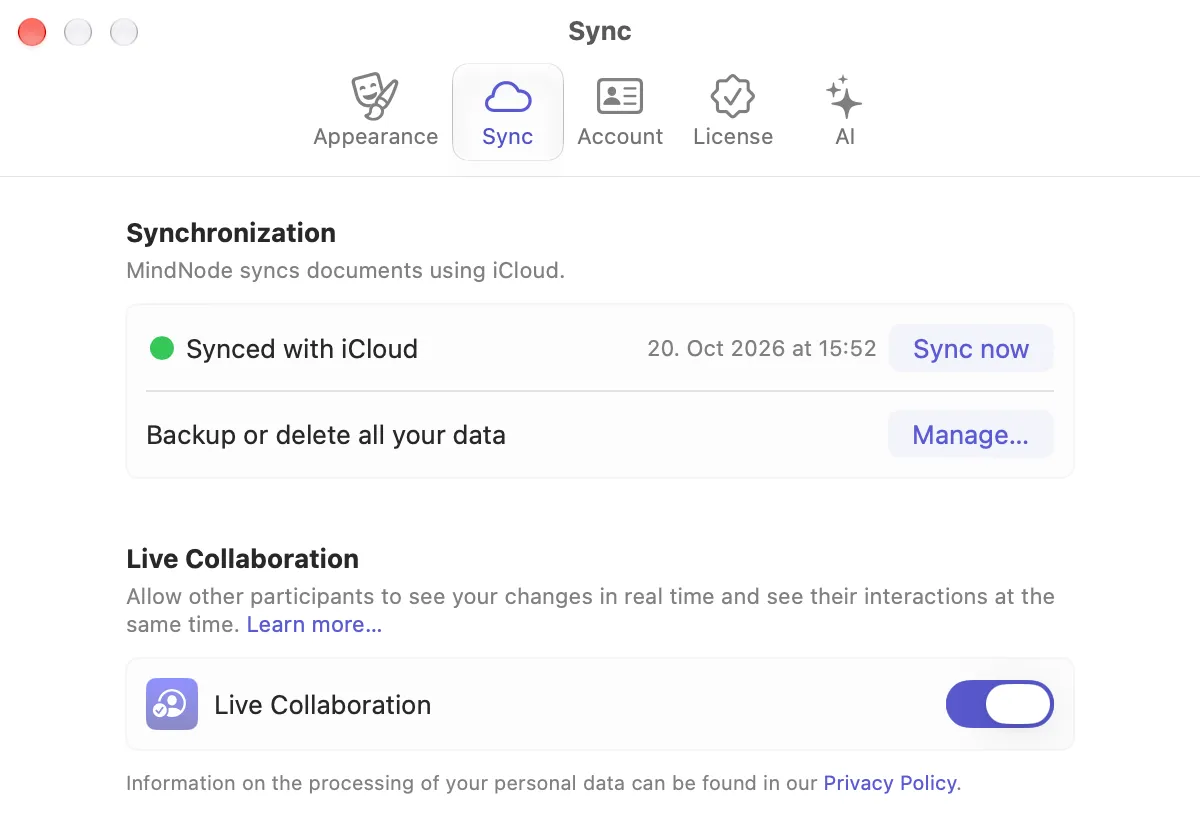
All collaborators must have the latest MindNode app installed, as collaboration does not work with older versions of MindNode.