
Focus Mode helps you work more efficiently by highlighting only the branch you’re working on while fading out the rest. It’s especially helpful for large mind maps and for presenting ideas step by step.
Enable Focus Mode
Enter Focus Mode and fade out other branches, by clicking the Focus Mode Icon in the Toolbar. You can also use the Shortcut Shift ⇧ + Command ⌘ + F.

To refocus on another branch, you can select the faded out node and select Refocus or press Return.
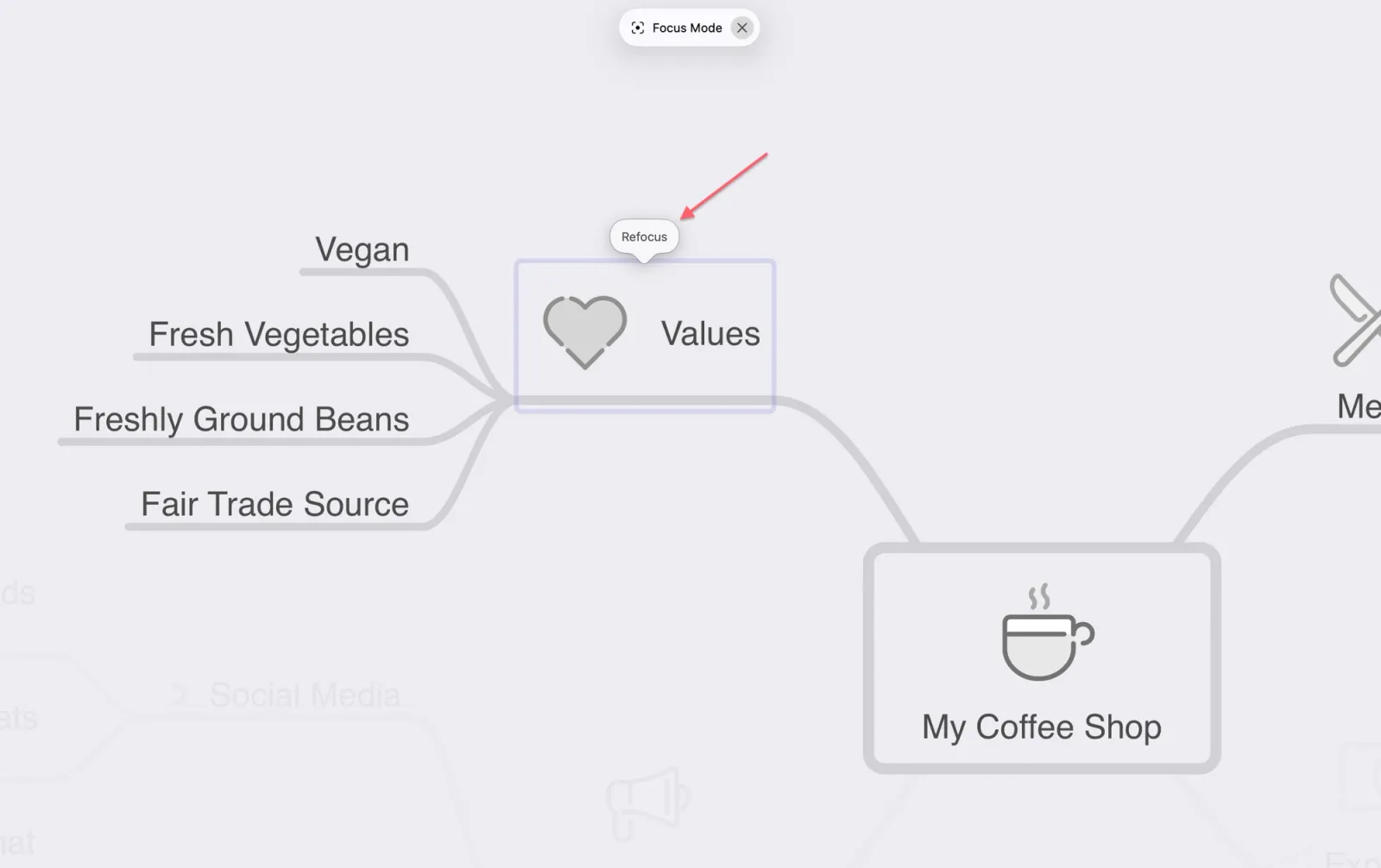
To refocus on a node, you can also hold the Option key and click the node you want to focus on.
On iPhone or iPad, press and hold the node to access the same behavior.