

Mind Mapping & Outlining
What's On Your Mind?


Visual Brainstorming
Start planning your vacation. Outlining your next best-seller. Writing your notes. MindNode lets you capture, organize, style and share your thoughts.
Tasks
Keep track of your progress
Outlining
Organized and structured brainstorming
Quick Entry
Catch every idea you come across
Stickers
Make your thoughts look beautiful
Themes
Style your thoughts instantly
Visual Tags
Add more context to your thoughts
Focus Mode
Put a spotlight on the details
Notes
Capture every single detail
Share
Sync, share, export & print your mind map
Get Inspired
MindNode has many use cases. It can be used for brainstorming, learning, project management and much more. Learn directly from our users how MindNode helps them.
If you don’t know what mind mapping is or want to learn more about the best practices, take a look at our dedicated page.




The Sky is the Limit
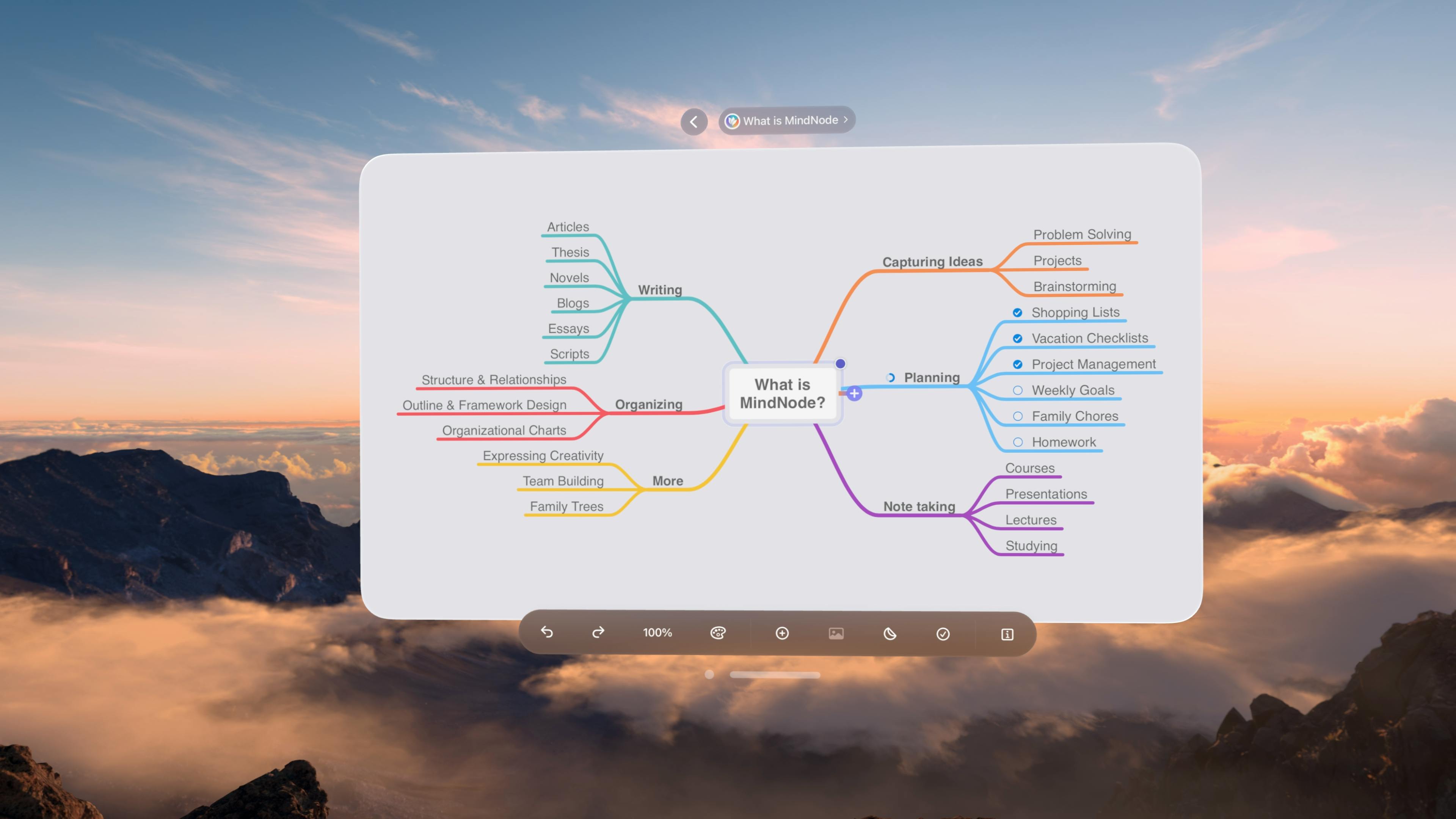
Experience brainstorming and mind mapping like never before in the all-new MindNode Next – envisioned for the new age of spatial computing and collaboration.

Subscribe to our newsletter
The latest MindNode news, articles, and resources, sent straight to your inbox every month.
© 2024 IdeasOnCanvas GmbH


